Running an IELTS institute or coaching business means handling students, trainers, tests, and evaluations every single day.
But one common mistake many institutes still make is this 👇
👉 Sharing admin login details with trainers
And honestly, that’s not safe ❌
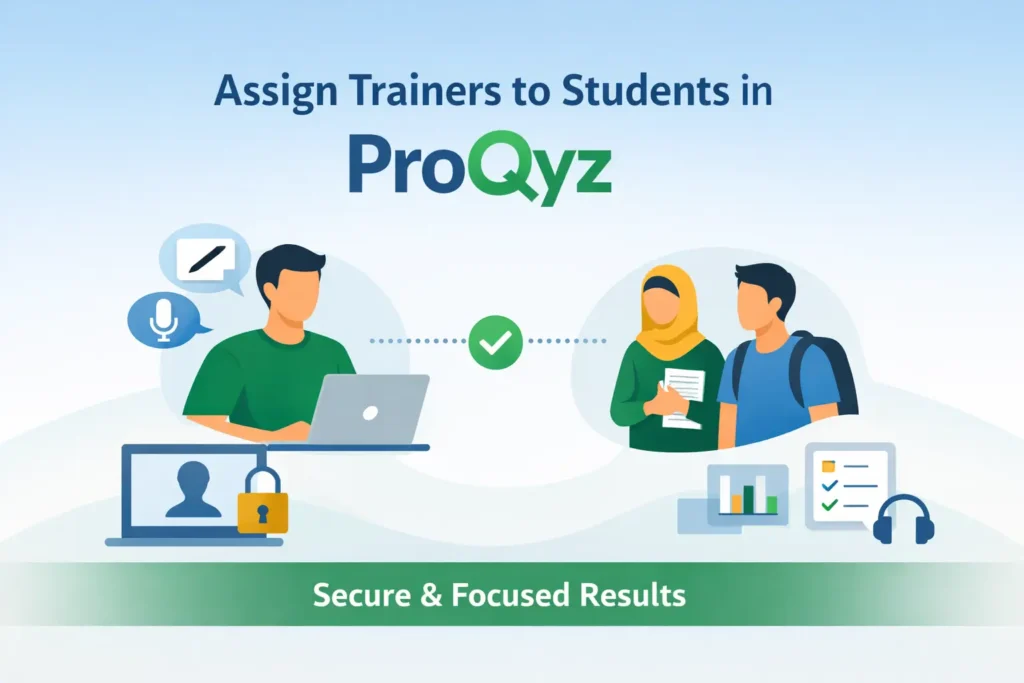
This is exactly where ProQyz solves a real institute problem with a very practical feature:
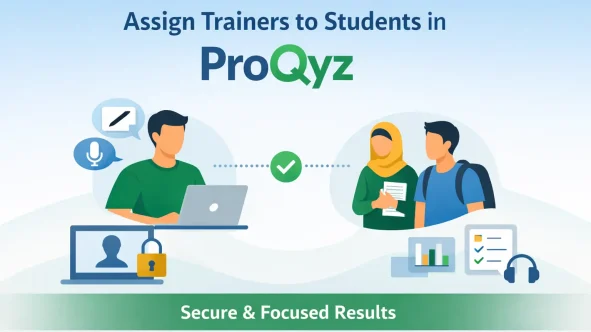
🎯 Trainer–Student Assignment in ProQyz
The Common Problem Institutes Face 🚨
In most setups:
- The admin can see all student results
- Trainers need access to:
- Writing evaluations ✍️
- Speaking feedback 🎤
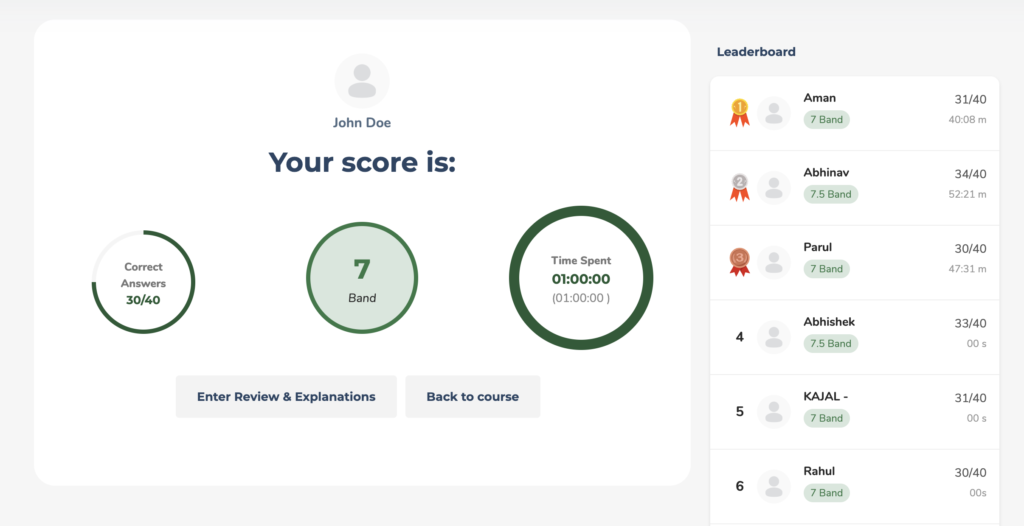
- Reading & Listening reports 📊
So what do many institutes do?
👉 They share the admin username and password with trainers.
Why this is a bad idea ❌
- Security risk
- No access control
- Risk of accidental changes
- No clear accountability
- Admin data is exposed
The ProQyz Solution ✅
ProQyz gives you a proper role-based system.
Instead of sharing admin access, you can:
✔ Create Trainer (Teacher) accounts
✔ Create groups of students
✔ Assign specific trainers to specific groups
Result?
Each trainer can only see their own students and nothing else.
What Can Each Role See in ProQyz? 👀
🔐 Admin Access
- All students
- All trainers
- All results
- Full control of the system
👩🏫 Trainer Access
- Only assigned students
- Writing & Speaking submissions
- Reading & Listening results
- No access to admin settings
Clean. Secure. Professional.
Why This Feature Is Extremely Useful for Institutes 🎯
🔒 1. Admin Credentials Stay Safe
No more sharing passwords.
Your admin account remains private and secure.
🎯 2. Trainers Stay Focused
Each trainer:
- Works only with their batch
- Sees only relevant students
- Manages evaluations faster
No confusion. No overload.
⚡ 3. Faster Evaluation & Better Feedback
Trainers can:
- Review Writing answers
- Give Speaking feedback
- Track Reading & Listening performance
All in one dashboard.
📈 4. Perfect for Growing Institutes
Whether you have:
- 2 trainers or 20 trainers
- 50 students or 5000 students
This system scales smoothly with your institute.
How to Set This Up in ProQyz (Step-by-Step) 🛠️
✅ Step 1: Create a Teacher (Trainer) Role
By default, WordPress does NOT include a Teacher role.
So the first step is to create one.
👉 Follow this guide: Click Here
How to Add a Teacher Role in WordPress (Required for ProQyz)
(Use this guide if you don’t see the Teacher role already.)
✅ Step 2: Create a Group of Students
Inside your ProQyz dashboard:
- Create a student group (batch)
- Add students to that group
This helps in structured management.
✅ Step 3: Assign a Trainer to the Student Group
Now comes the most important part 👇
👉 Follow this guide: Click Here
How to Assign a Trainer to a Group of Students in ProQyz
Once assigned:
- The trainer automatically gets access to:
- Writing submissions
- Speaking responses
- Reading & Listening results
- Only for their assigned students
Why This Feature Is a Game-Changer for IELTS Trainers 🚀
If you run:
- An IELTS institute
- An English coaching center
- A test-series website
- An online training academy
This ProQyz feature helps you:
✔ Work professionally
✔ Protect admin access
✔ Improve trainer productivity
✔ Deliver better student feedback
✔ Build a scalable system
Final Thoughts 💡
The Trainer–Student Assignment feature in ProQyz is not just a feature —
it’s a smart institute management system.
No chaos.
No security risks.
No unnecessary access.
Just:
👉 Clear roles
👉 Better evaluations
👉 Smooth daily workflow
If you’re serious about running your institute like a professional education business, this feature is a must-use.
What is the trainer–student assignment feature in ProQyz?
The trainer–student assignment feature in ProQyz allows the admin to create groups of students and assign a specific trainer to each group. This way, trainers can only see and evaluate their own students’ results.
Why should I not share admin login details with trainers?
Sharing admin login details is risky because trainers get access to all settings and data. ProQyz avoids this by giving trainers limited access, keeping admin credentials secure and preventing accidental changes.
What can a trainer see after being assigned to a student group?
A trainer can see only their assigned students’ results, including writing and speaking submissions, and reading and listening scores. They cannot access admin settings or other trainers’ students.
Can the admin still see all student results in ProQyz?
Yes. The admin always has full access to all students, trainers, groups, and results. Trainer assignment does not limit admin visibility in any way.
Does WordPress already have a teacher or trainer role?
No. By default, WordPress does not include a teacher or trainer role. You need to create a teacher role first before assigning trainers to student groups in ProQyz.
Is this feature useful for IELTS institutes with multiple trainers?
Absolutely. This feature is ideal for IELTS institutes with multiple trainers because it helps manage batches, speeds up evaluation, improves accountability, and keeps admin access secure.
Can trainers evaluate writing and speaking tests in ProQyz?
Yes. Assigned trainers can review writing answers, provide detailed feedback, evaluate speaking responses, and also view reading and listening results for their students.
Can one trainer be assigned to multiple student groups?
Yes. Admins can assign one trainer to multiple student groups if required, depending on how the institute manages batches.